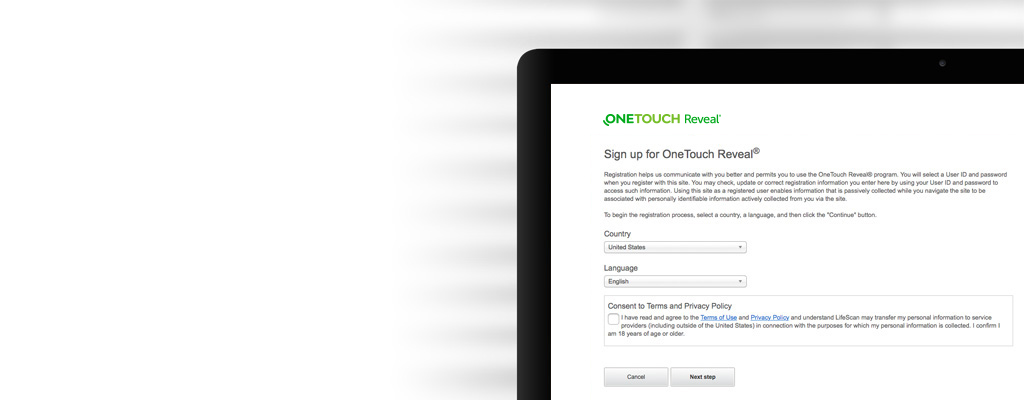
Let’s get started
Here you can find your step-by-step guide to setting up and using the OneTouch Reveal® web app. Encourage your patients to activate their accounts so they can share their “between visits” data at each consultation.
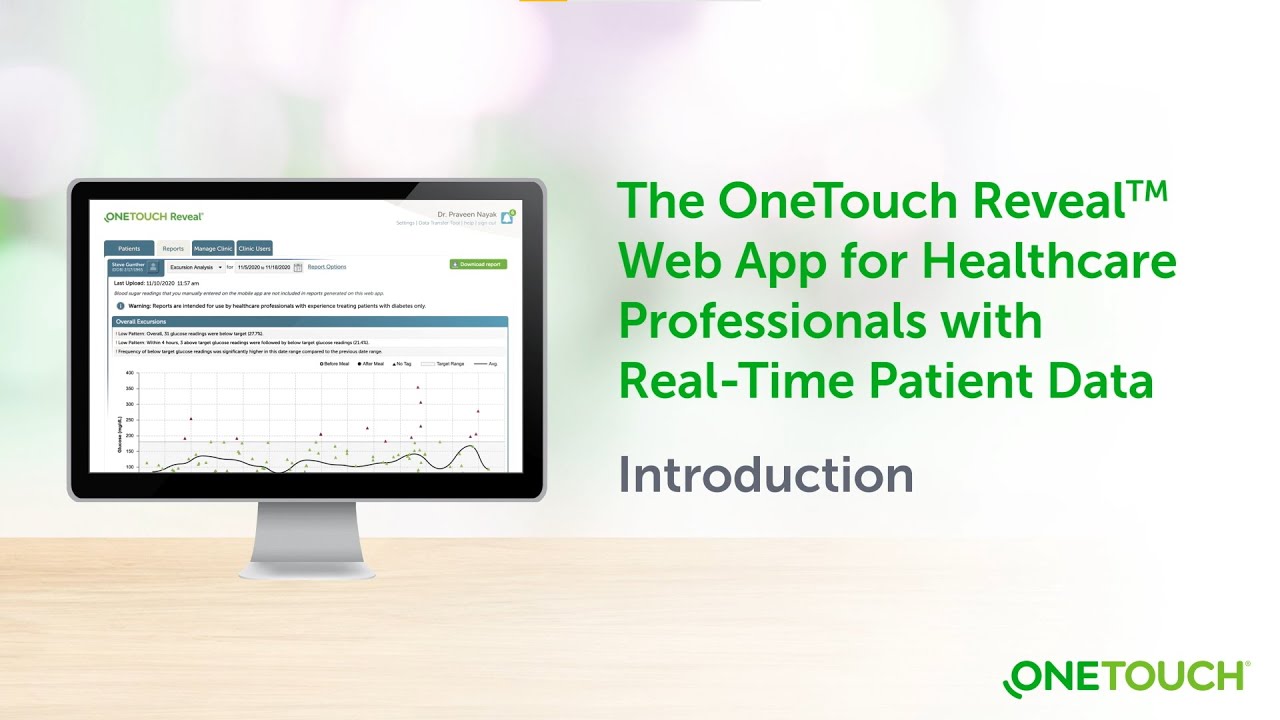
Introducing the OneTouch Reveal® Web App for Healthcare Professionals
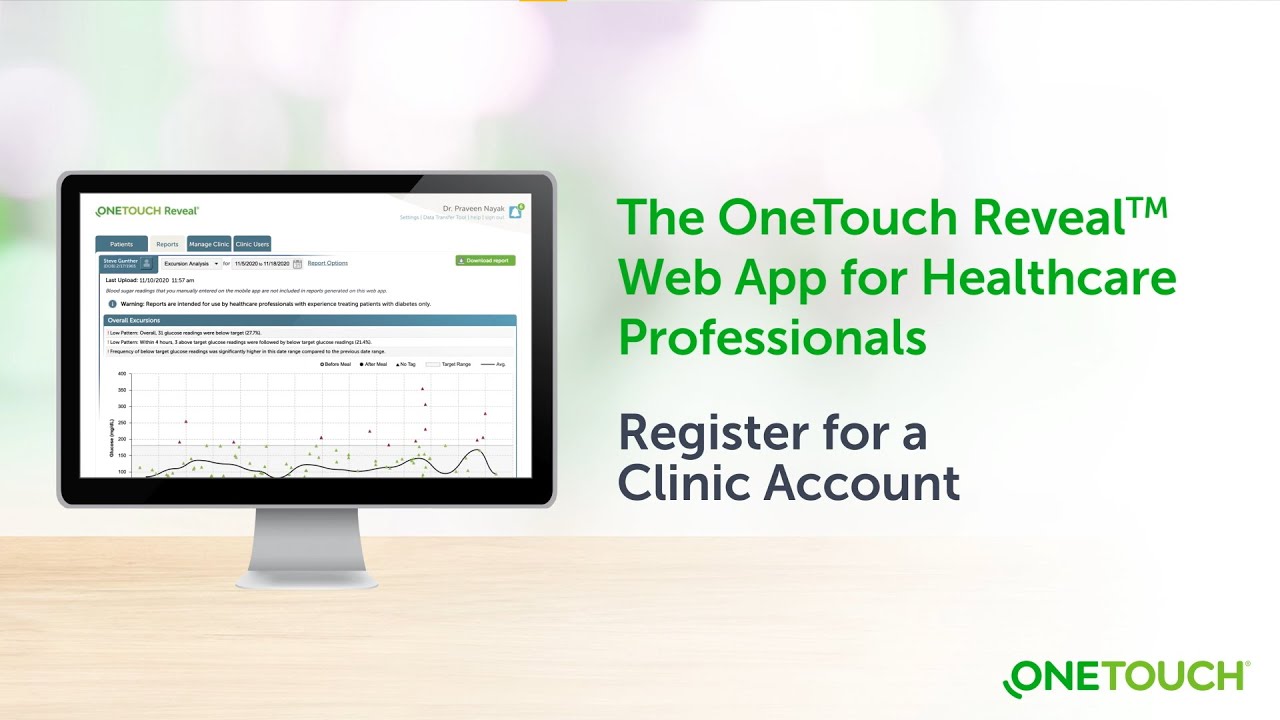
Register for a OneTouch Reveal® Clinic Account
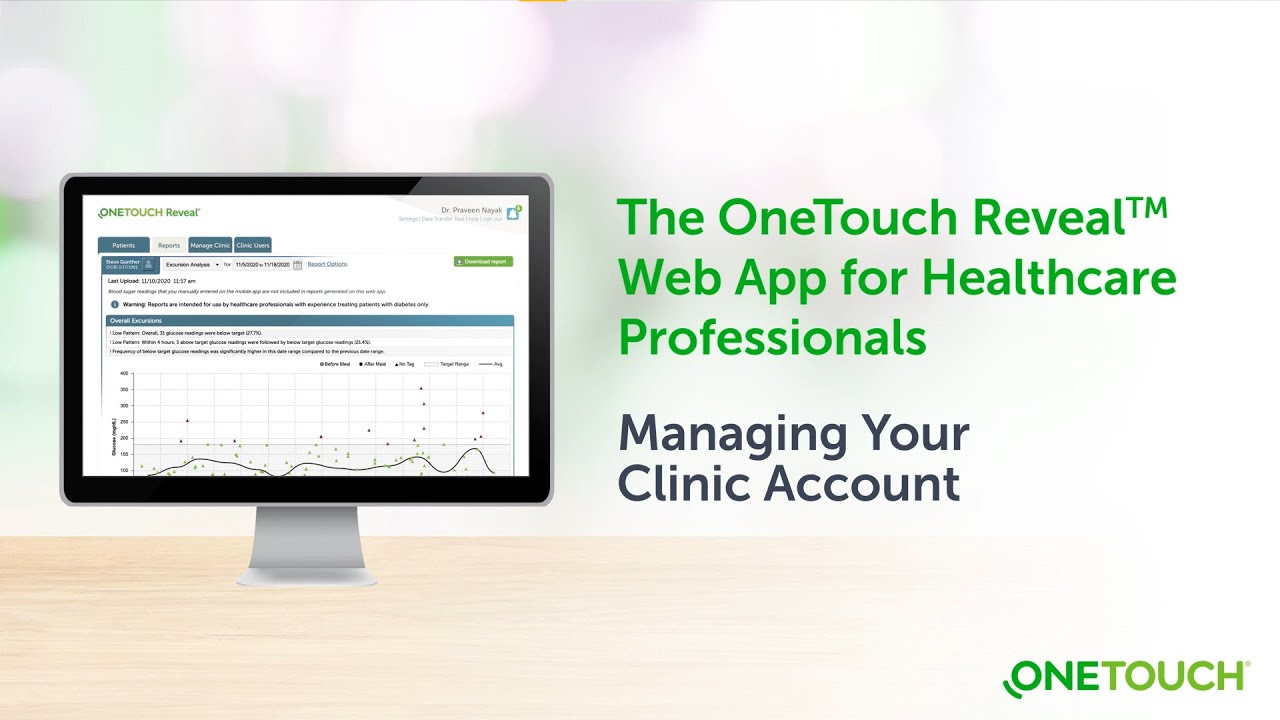
Managing your OneTouch Reveal® Clinic Account
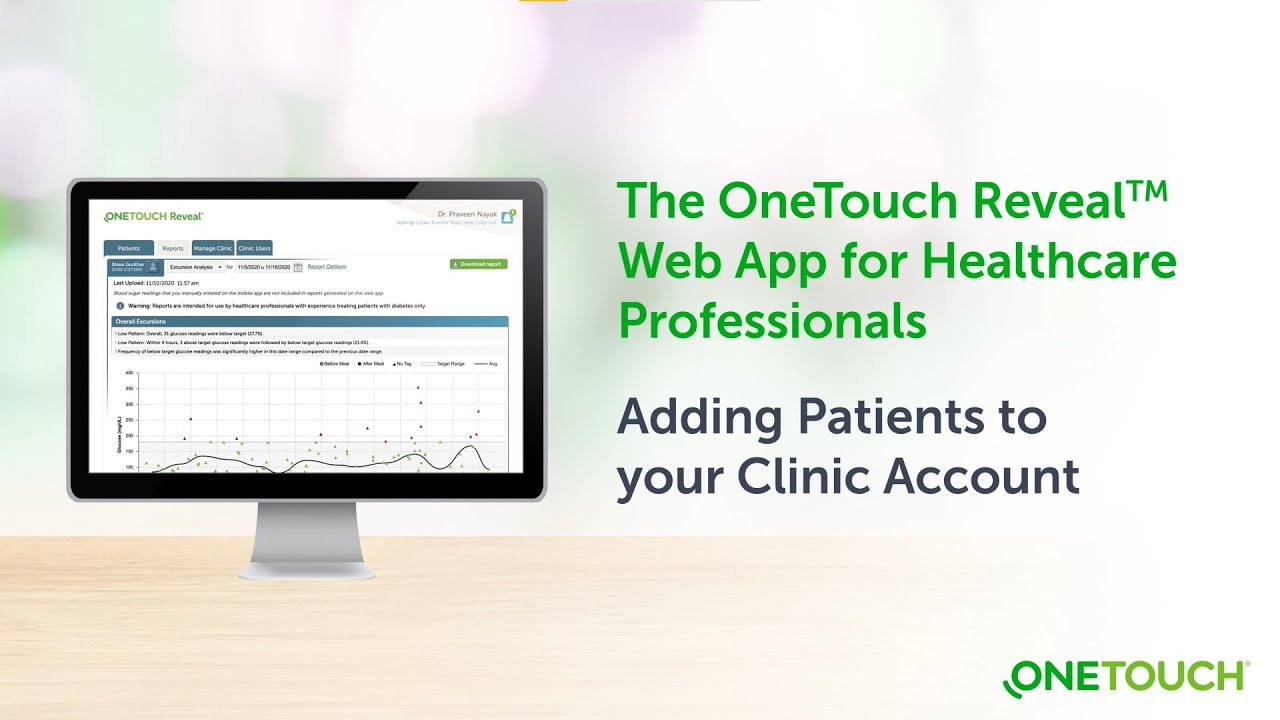
Adding patients to your OneTouch Reveal® Clinic Account
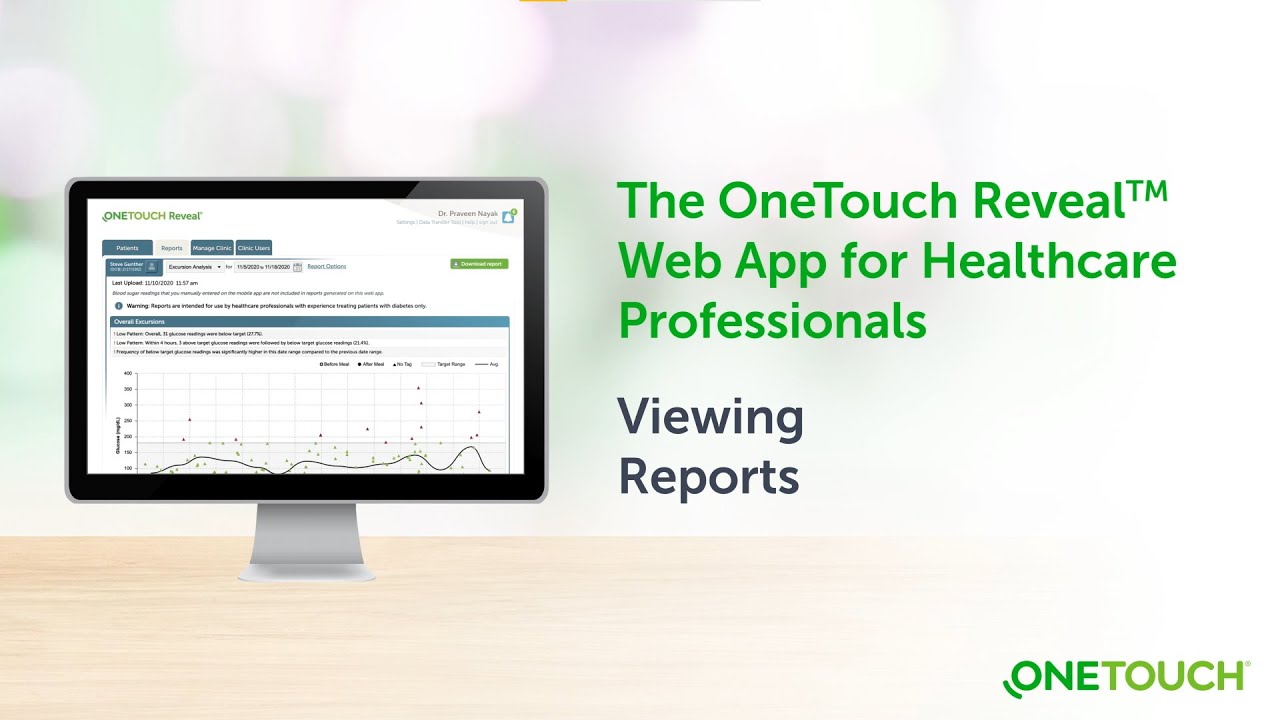
Viewing Reports on the OneTouch Reveal® Web App
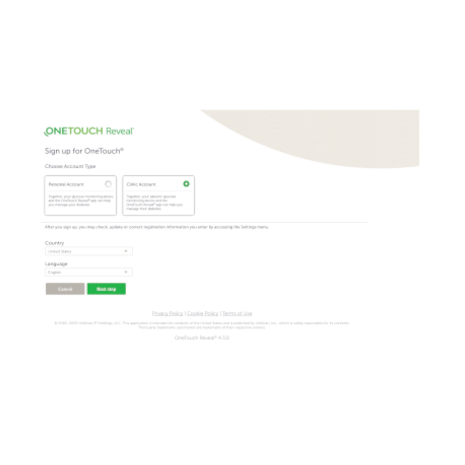
Before you begin, you will need to set up a clinic account. Once you receive your username and temporary password, return to this page and follow the next steps.
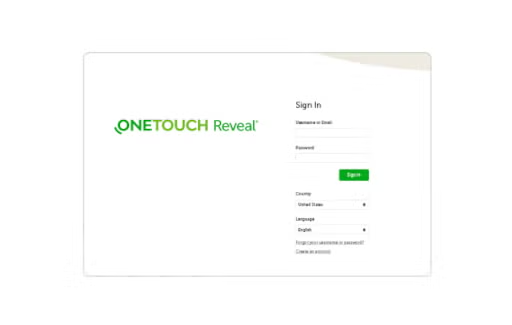
- Open OneTouchReveal.com using your browser
- Enter your username and temporary password provided to you by Customer Service
- Verify that the current language is correct
- Click Sign in
As the Clinic Manager (Administrator), you can now set up Clinic Users so they can also create and manage patient accounts.
- Review the OneTouch Reveal® web app for professionals Training Guide. This Guide can be printed out and referenced by your staff
- Take note of your Clinic Code, located on the Manage Clinic tab under Profile
- Review the OneTouch Reveal® web app for professionals Step-by-Step Guide. This Guide can be printed out and referenced by your staff.
- Provide the patient with your Clinic Code
- Ask the patient to enter your Clinic Code on their OneTouch Reveal® mobile app by tapping More > Connections > Add a Clinic Code
Encourage your patients to activate their accounts so they can share their data at each consultation.
- The OneTouch Reveal® mobile app Get Started Guide for patients, can help patients set up their OneTouch Reveal® mobile app and connect to your OneTouch Reveal® clinic account.
- The OneTouch Reveal® web app Getting Started Guide for patients can be shared with patients that want to view their data on their computer.
- The OneTouch Reveal® web app Report Reference Guide can be used to get familiar with the reports available within the OneTouch Reveal® web app
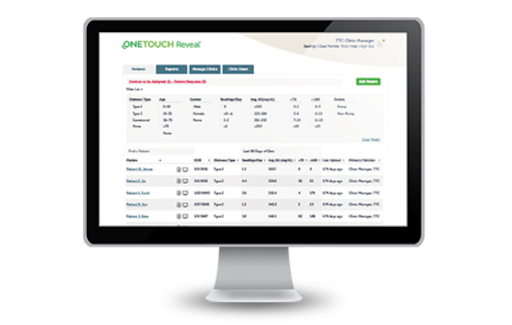
All activated patient accounts, linked with your Clinic Code, appear in the OneTouch Reveal® Population Management Tool. You can then filter and sort patient information in meaningful ways:
- Patients with Type 1 diabetes with the most lows (<70 mg/dL)
- Patients with Type 2 diabetes with the most highs (>180 mg/dL)
- Average blood glucose readings for Type 1 and Type 2 patient populations
- Further refine your list by sorting for number of blood glucose readings per day
- Age, gender, etc.
If you already have a OneTouch Reveal® web app account, click here to sign in.
- OneTouch Reveal® web app for professionals Step-by-Step Guide
- OneTouch Reveal® web app for professionals Training Guide
- OneTouch Reveal® web app for professionals Report Reference Guide
- OneTouch Reveal® web app User Manual for healthcare professionals
- Business Associates Agreement
- Privacy Policy
- Terms of Use
For more information on downloading data from OneTouch® meters by meter cable, please Contact Us.